Foca Upscaler
Free AI Image Upscaler for Clear, Natural Results | Foca AI.
- Category
- Image Upscaler
- Alternatives
- 6 similar tools
- Last updated
- 1 weeks ago
- Source
- Official site ↗︎
AI Collection Top Picks

Image Upscaler Category Picks


Online AI Image Enhancer that Improves Photo Quality by Upscaling, Denoising, Restoring, Face Refinement, and More

About Foca Upscaler
Free AI image upscaler to upscale photos online with natural detail and faithful texture recovery while preserving the original look. Free to start.
What you get
Additional Information
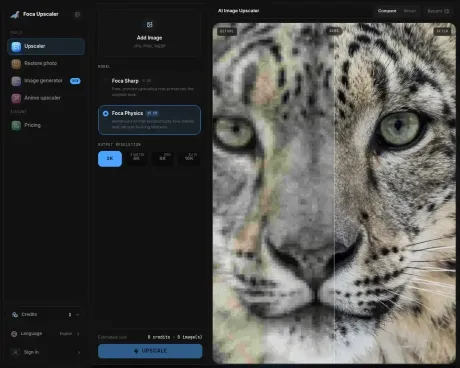
Foca AI offers a cutting-edge solution for image enhancement through its AI image upscaler and enhancer. By using physics-aware reconstruction techniques, Foca replaces traditional pixel-stretching methods to produce sharp, high-fidelity images suitable for professional use. The dual-engine system includes 'Foca Sharp' for minimal AI intervention and 'Foca Physics' for advanced texture recovery, allowing users to select the best option based on their specific needs.
The Foca platform supports JPG, PNG, and WebP formats up to 20MB, making it versatile for different types of projects, from personal use to commercial photography. Users can easily upload images, choose their desired enhancement mode, and download the results for social media or print.
Foca AI also prioritizes user privacy, ensuring temporary data storage without retaining user history after 24 hours. The tool is accessible on mobile devices, enabling users to enhance images directly from their phones. Additionally, the platform supports batch processing for pro subscribers, allowing multiple images to be processed simultaneously, which is ideal for large volumes of work.
Overall, Foca AI is designed for anyone from casual users to professional studios looking for a reliable image enhancement tool that maintains the integrity and authenticity of their original images.
Frequently asked questions
What is Foca Upscaler used for?
Free AI Image Upscaler for Clear, Natural Results | Foca AI.Is Foca Upscaler free?
Pricing for Foca Upscaler varies — see the Pricing section for details.What are alternatives to Foca Upscaler?
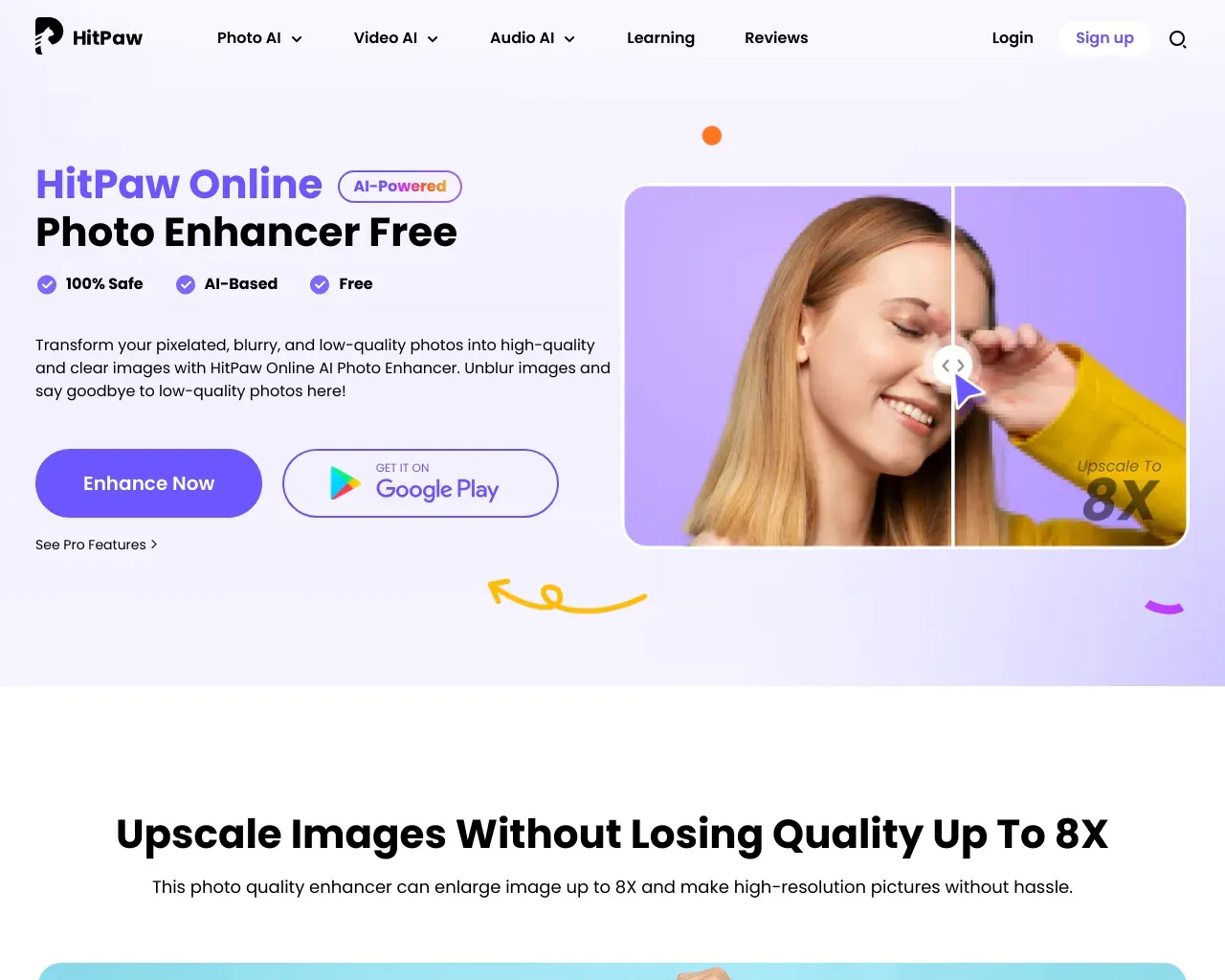
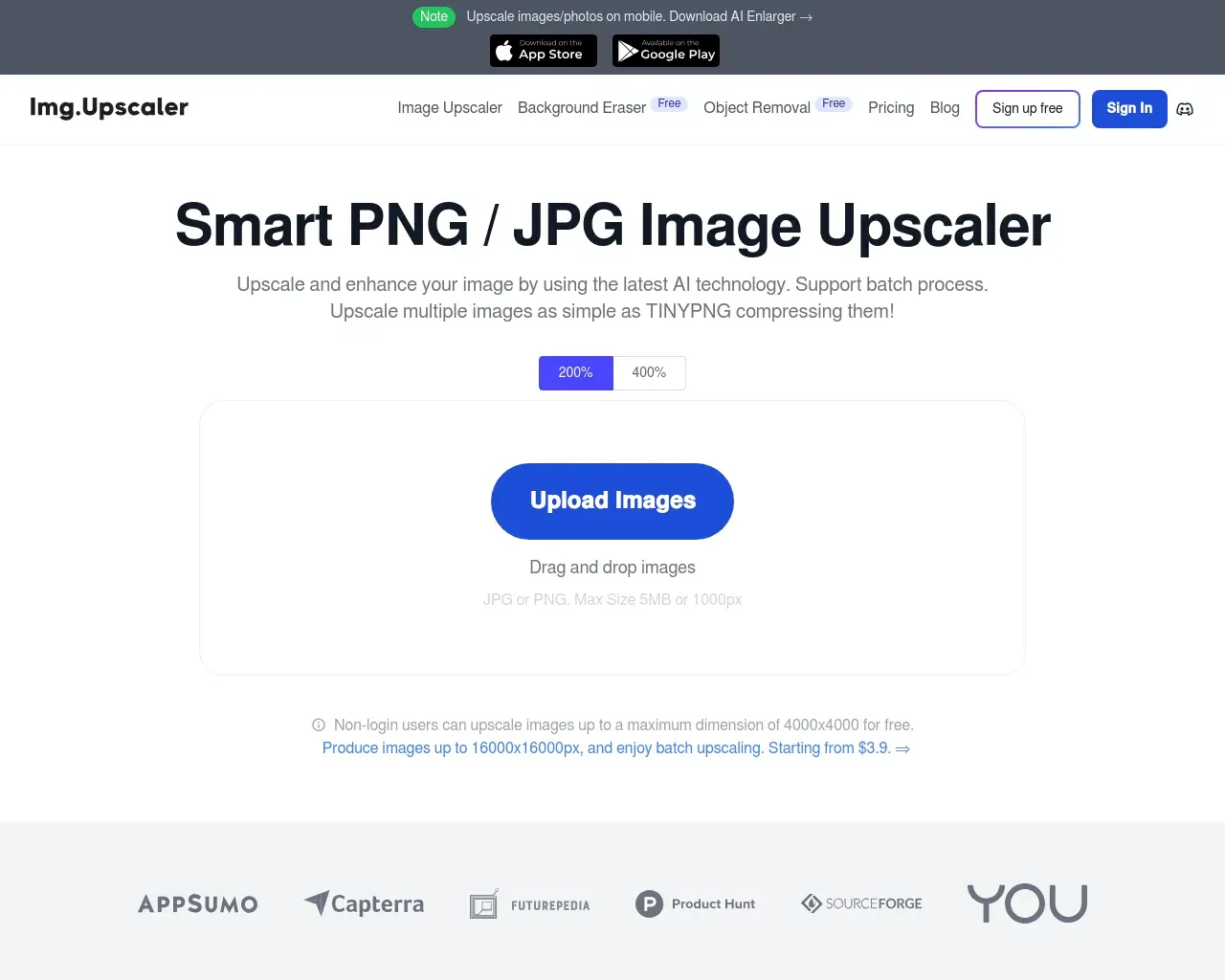
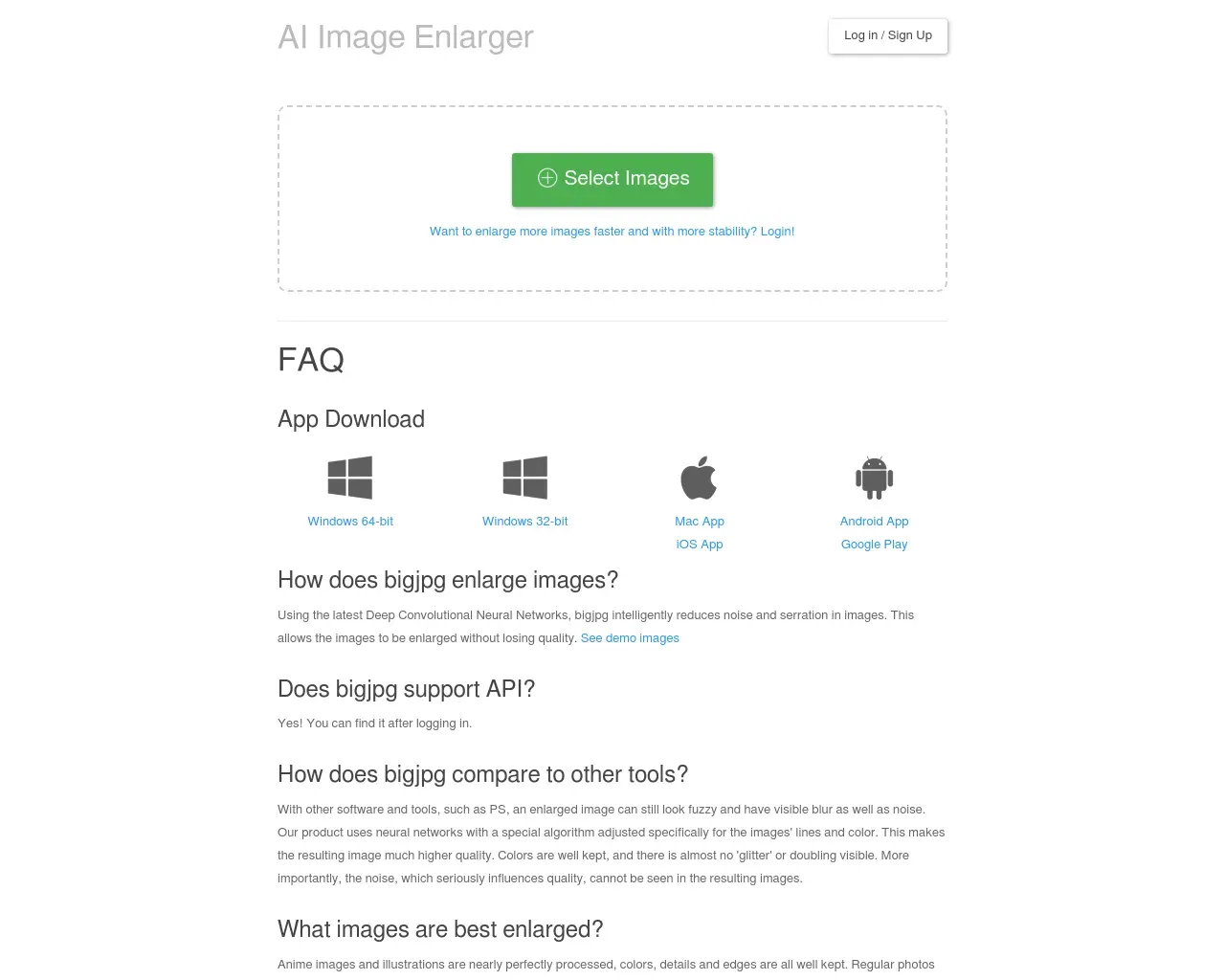
Top alternatives to Foca Upscaler include HitPaw Online Photo Enhancer, AVCLabs Photo Enhancer AI, AVC AI, Imgupscaler, AI Image Enlarger.Where can I get Foca Upscaler?
Foca Upscaler is available at https://focaupscaler.com.What category is Foca Upscaler in?
Foca Upscaler is listed in Image Upscaler.What does Foca Upscaler do?
Foca Upscaler enhances low-resolution, blurry, or compressed images with AI while keeping textures realistic and natural.Who is it for?
It is built for creators, marketers, online sellers, and anyone who needs cleaner visuals for web, social, or product content.Features
1. AI upscaling for sharper, cleaner images 2. Natural detail recovery without harsh oversharpening 3. Better results for compressed website and social images 4. Useful for product listings, ads, and marketing assetsUse Cases
* Improve low-quality photos before publishing * Upgrade ecommerce product images for cleaner listings * Restore sharper visuals for social posts and landing pagesWhat makes Foca different from other ai image upscalers?
Unlike a traditional AI image upscaler that simply stretches pixels and applies a blur to hide the noise, Foca uses physics-aware reconstruction. Our Physics engine understands the structural logic of the real world, allowing it to rebuild lost textures like skin pores and fabric weaves with surgical precision instead of just smoothing them over.When should I use Foca Sharp versus Foca Physics?
Choose Foca Sharp for fast, faithful enhancement where you want minimal AI interference, such as logos, screenshots, or typography. Choose Foca Physics when you need deep neural reconstruction for portraits, nature, or old photos where high-fidelity texture recovery is essential.Does Foca change the identity or features of my original image?
We prioritize high fidelity. Our models are trained to respect the structure of your original photo. Foca is an AI image upscaler designed to clarify and restore, not to invent elements that weren't there.Can I try Foca for free?
Yes. Every new user receives 20 free credits upon sign-up. This allows you to experience the difference between our Sharp and Physics engines on your own images before committing to a plan.Can I delete my data?
We value your privacy. Your history is stored temporarily for 24 hours to allow for downloads and comparisons, after which records are automatically and permanently removed from our servers.How to print low resolution images?
Use our AI image upscaler to increase resolution up to UHD, ensuring 300 DPI quality for printing. It avoids pixelation and ensures crisp edges.Can I use Foca on my phone?
Yes. Our AI image upscaler is fully cloud-based and responsive. You can snap a photo, upload it directly from your mobile device, and download the enhanced result instantly.Do you support batch processing?
Yes. Pro subscribers can use our batch image upscaler feature to process multiple images at once, saving time for large volume workflows.What image formats and sizes does the upscaler support?
We support JPG, PNG, and WebP formats. Our AI image upscaler is optimized for files up to 20MB. For best results, we recommend uploading images with clear subjects.Do I own the copyright of the enhanced images?
Yes. You retain full ownership. Our image upscaler is a tool for your creative workflow, and we claim no rights over your content, making it safe for commercial use.
Compare Foca Upscaler with…
Pick any tool to see a structured side-by-side: pricing, deployment, capabilities, and content policy.